The TV that hangs a new picture every night.
I wanted the screen in our living room to look like a print on the wall, not a black rectangle. By the evening it showed a new picture of my two dogs every day, and the dogs had their own website.
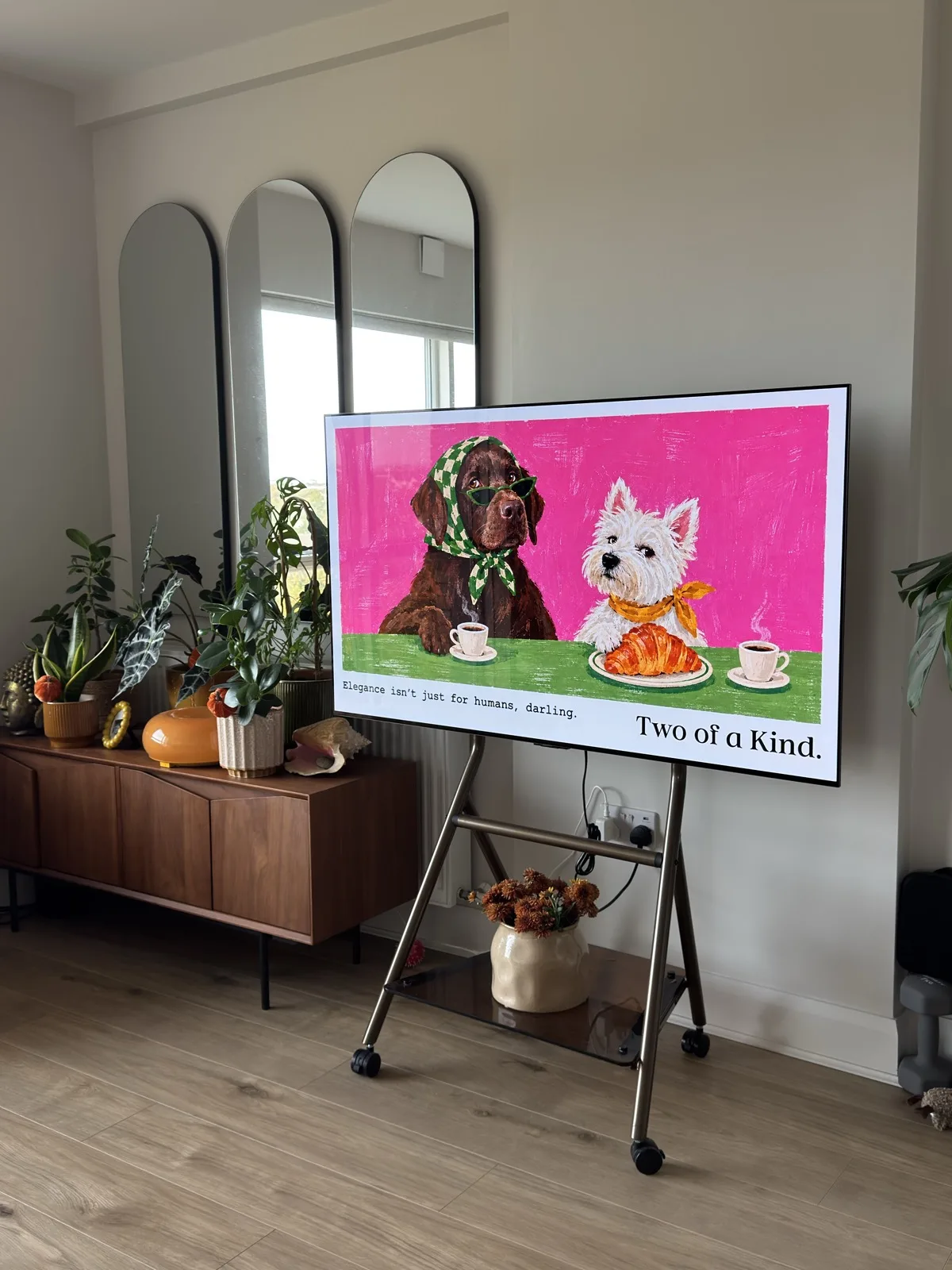
The TV was the biggest blank wall in the room.
It stands on its own in the corner of the living room, next to the plants, the mirrors and the sideboard I chose with care. The TV is the one thing in there nobody chose for its looks. When it is off, it is a large black slab. I kept walking past it and thinking it should be doing what a frame does.
The TV is rooted and runs my fork of Lumen, a tvOS-style home screen for LG webOS. Lumen already had a photo screensaver that could pull pictures from an Immich server. Holiday photos were nice, but they felt like a slideshow. I wanted something closer to a print: one picture, chosen for the day, that is still there when I walk past in the evening.
Not a slideshow. One picture a day, like changing the print on the wall.
Two dogs, one new outfit a day.
The two dogs are mine. Ella and Lulu: one chocolate Labrador and one West Highland terrier, very different in size and exactly the same in confidence. The series is called Two of a Kind, because they are not, and also completely are.
In the pictures they share an apple, paint at a desk and have coffee in a headscarf and sunglasses, which is roughly how I imagine their day goes while I am at work. Each one has a short typewritten line on the left, in the voice I hear them in: “Elegance isn’t just for humans, darling.” The series name sits on the right, like the caption strip on a poster.
I made them with AI, in a style inspired by mochadott. I say that plainly on the site too. I have no connection to mochadott; it is just the look I wanted on the wall.
There are enough of them queued to last a good while, which is a lot of outfits for two dogs who mostly wear a collar. They started life as PNG batches. I converted them to WebP at quality 95 and 1672 × 941 pixels, which keeps each one around half a megabyte and still looks like a print across the room.
One picture a night.
The pictures live in a small GitHub repository, numbered in the order they should appear. A GitHub Action runs every night at ten past midnight UTC, works out the date in Dublin and moves on to the next picture.
- 00:10The Action wakes up
daily.pypicks the next numbered frame. - 01Today becomes a fileCopied to
latest.webp. - 02The TV's list
manifest.jsongets the picture and the date. - 03The site's memory
history.jsongets one more day.
Because the order comes from the file numbers, I can add more pictures later and they simply queue up after the ones already shown. A small state.json remembers where the sequence has got to.
Teaching the screensaver to look it up.
On the TV side, Lumen got a new photo source called Our pictures. It reads the manifest from the website, shows the picture full screen, and keeps the last copy it read in case the network is having a bad moment.
The first test on the TV was close, but not right. The screensaver opened on the home screen's wallpaper for a second or two before fading to Ella and Lulu. Then it drew the clock and date over the bottom of the picture, with a blur behind them. That blur landed exactly on the caption, which is the best part.
The pictures are finished prints with their own lettering, so the fix was to stop decorating them. When the screensaver shows only our pictures, it hides the clock, the date, the blur and the shade, and opens straight on the picture. Immich photos keep the clock, as Lumen was designed, which also keeps my fork easy to update.
A finished print does not need a clock on top of it.
The photo at the top is the TV a minute after that change. It is the version that has been running since. The real Ella and Lulu walked past it without comment.
Then it wanted to be a website.
The pictures were already on a public website, because that is where the TV fetches them. Giving them a page of their own was a small step, and it meant I could send someone today's picture instead of a photo of my TV. Anyone who has met the dogs can now check what they are up to today.
It lives at daily.fabiopetriccione.com. The page is one screen: today's picture in a frame, a countdown to the next one, an archive and a short About. The frame can be black, oak, walnut or white, picked with four small swatches at the top.
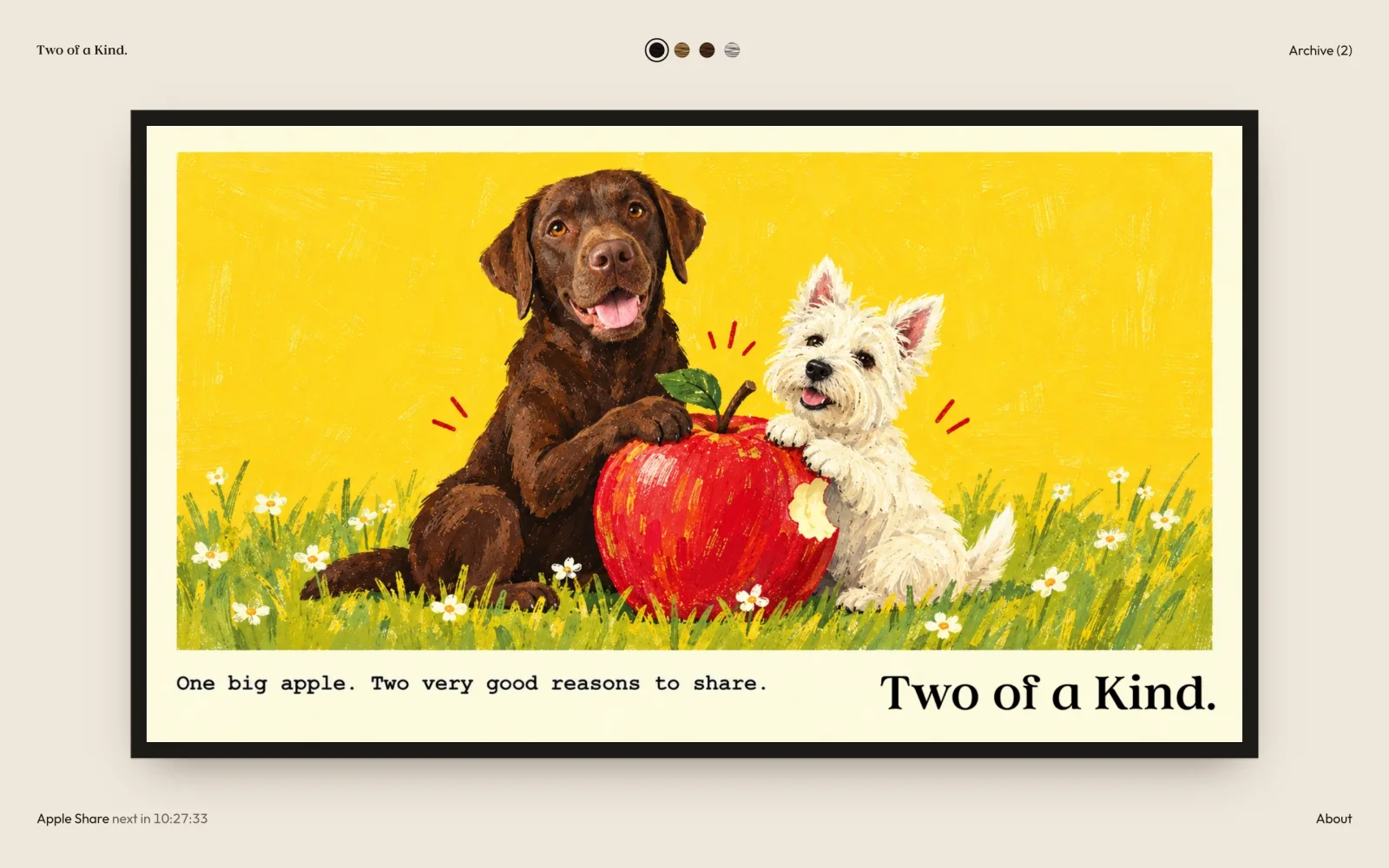
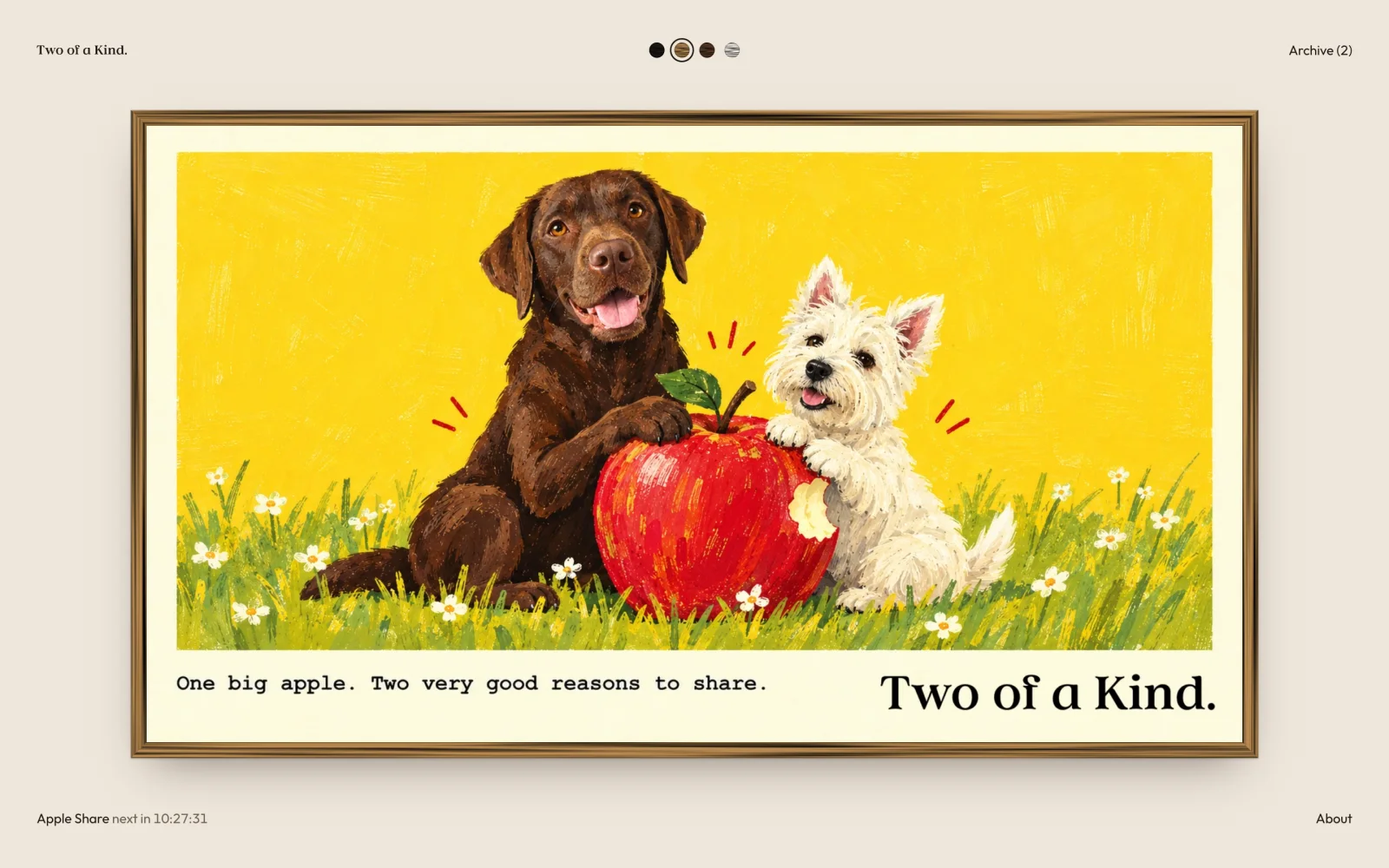
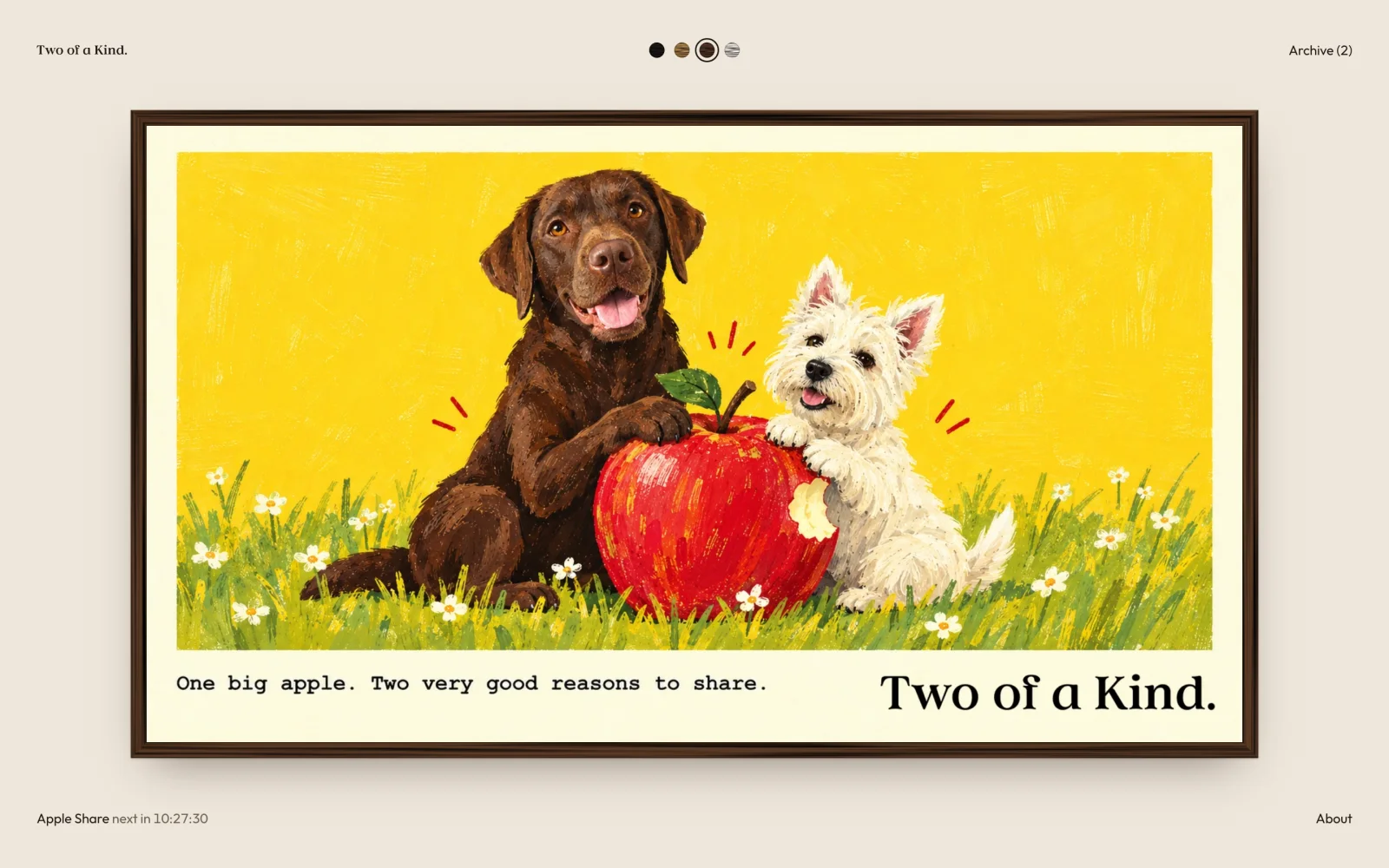
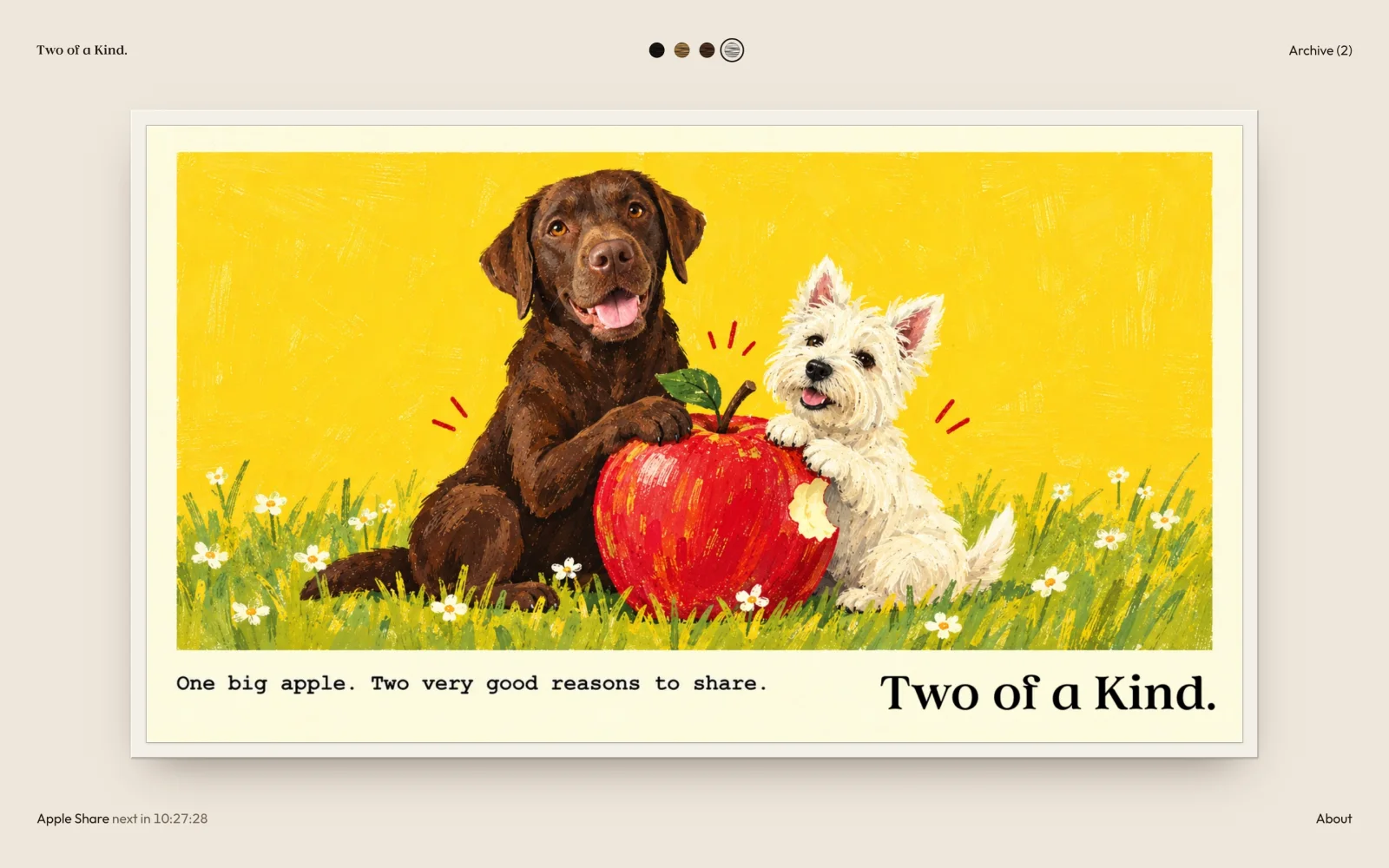
?frame=oak in a link opens on oak.I set myself a few rules. Today's picture comes first and everything else stays quiet in the corners. The archive is earned: a picture only appears there once the next one has replaced it, and upcoming pictures are never shown or hinted at. The credit is honest, including the AI.
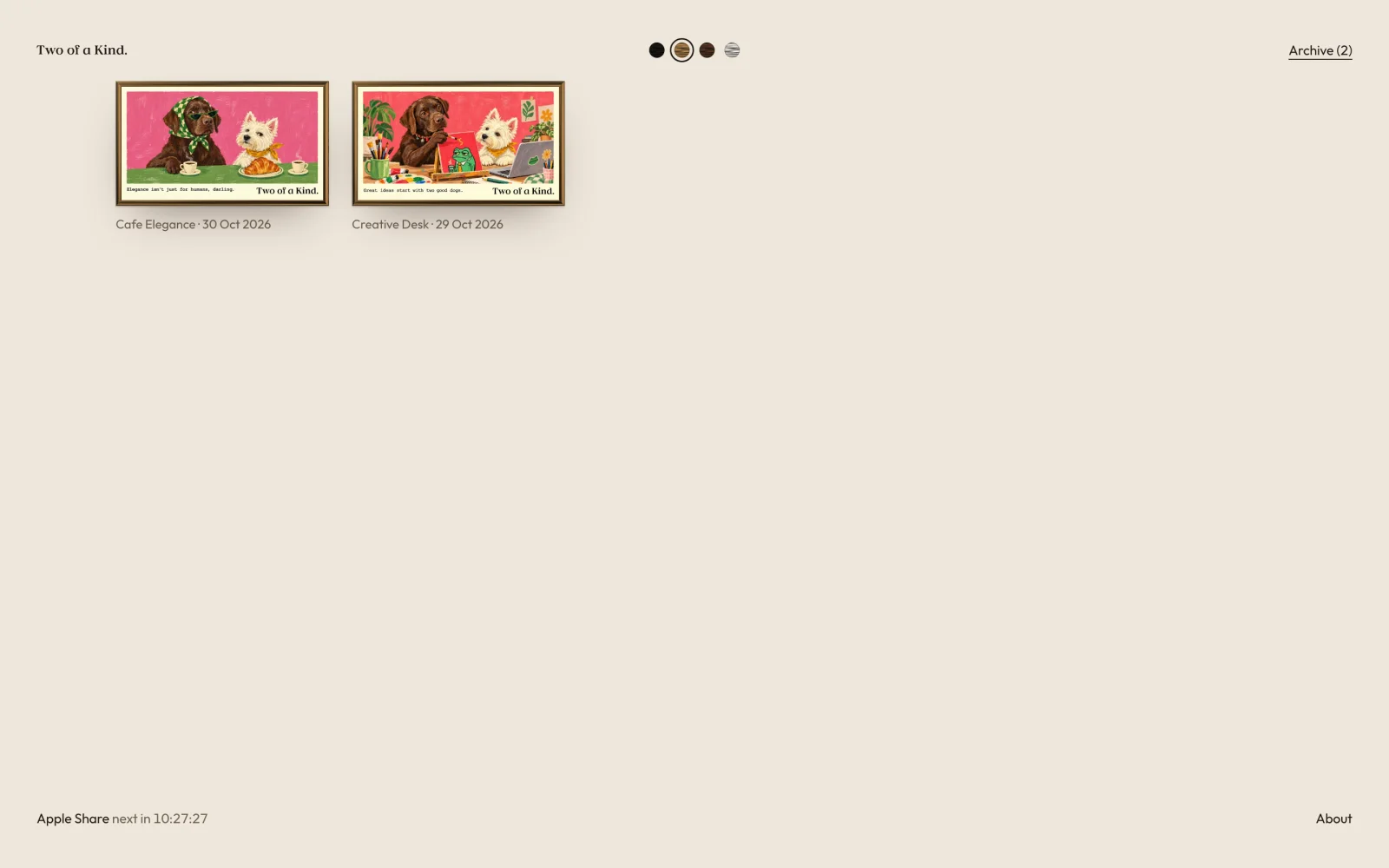
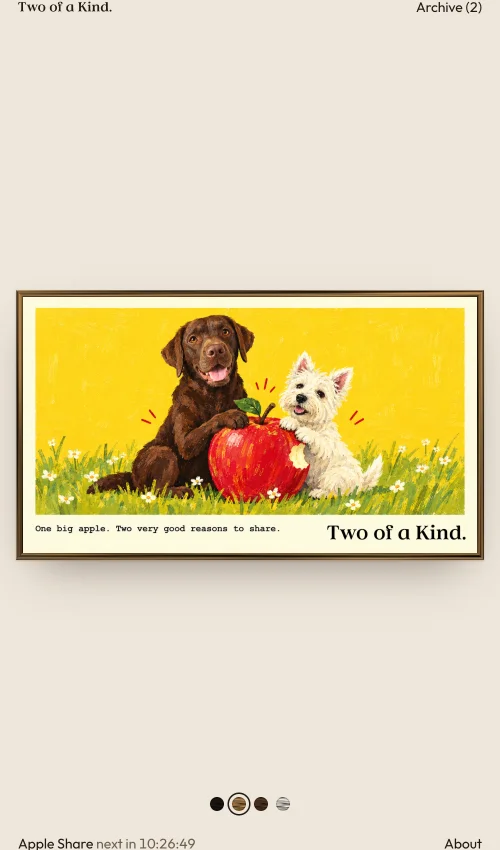
It is a sibling of this site rather than a themed world: the same Outfit and Instrument Serif, the same oat background, very little else. The wordmark in the corner is traced from the lettering printed on the pictures themselves. I built the whole thing in a day with Claude Code, from the first manifest in the morning to the domain in the evening, and tried each change on the TV or in the browser before keeping it.
It started as a screensaver setting.
It ended with a URL I can send to people.
A little further under the hood.
It is a small system, and I like it that way. These are the details that took a moment to get right, and the limits I know about.
What the TV actually reads
The TV never sees the repository. It reads one small file from the website and follows the link inside it.
{
  "updated": "2026-10-30",
  "photos": [
    {
      "url": "https://daily.fabiopetriccione.com/latest.webp",
      "w": 1672,
      "h": 941,
      "date": "2026-10-30"
    }
  ]
}
The format allows more than one picture. If the manifest ever lists several, the screensaver rotates through them.
Why the date goes into the URL
Today's picture always has the same address, latest.webp. Left alone, the TV could keep showing yesterday's cached copy, and the shuffle would treat a new day's picture as one it had already shown. Lumen adds the manifest's date to the URL, so each day is a different address as far as the TV is concerned.
The Netflix icon that turned into an N
Lumen runs a few commands as root through the Homebrew Channel, which only accepts them from apps on its permission list. Installing my new build rewrote Lumen's permission file without that entry. The home screen quietly fell back to its own short app list, where Netflix had no icon, just a letter.
The fix was to put the entry back and restart the TV. To stop it happening again, the install script now restores the entry after every install, and a script that already runs at boot checks for it too.
What the archive does not hide
The page never lists or links a picture before its day. The files themselves are still public on GitHub Pages, because that is how the TV reaches them. Someone who guesses a filename can see tomorrow's dogs early. If you manage it, Ella and Lulu would like a treat for keeping the surprise.
Keeping the fork in step with Lumen
My Lumen fork is public, because the Homebrew Channel downloads updates anonymously and cannot read a private repository. Every push to its main branch publishes a release, and the TV updates from my fork's feed. A weekly GitHub Action checks the original Lumen repository and opens a pull request when there is something new, so I get its updates with my screensaver changes still on top.